Rather not subscribe?
Buy hours once. Your minutes never expire.
YouTube clip makerClips that tell the whole story
Paste the link to a long YouTube video. Get vertical clips with captions, a title and post text, ready for Shorts. Free: 30 minutes on popular videos once at signup.
Paste the link of a YouTube video, or of a livestream that has ended (up to 4 hours), choose the clip length and which part to process, and iaclips returns vertical clips of stand-alone moments with captions, a title and post text. Review each clip, move its start or end on the transcript, then download.
Yes, to start: 30 minutes on popular videos once at signup, with no expiry or renewal, for videos other creators already clip. New videos and uploads are paid. The free plan's clips carry a small iaclips.ai watermark; with a paid plan, or for 30 days after buying minutes while you still have bought minutes left, clips download without it.
A YouTube link (a video, or a livestream once it has ended, up to 4 hours), a public Twitch or Kick VOD link, or an uploaded file. It picks moments from what is said, so it fits videos where people talk (podcasts, interviews, sermons, classes, talk streams), not gameplay without speech. A video must be at least 2 minutes long, and on the free plan only popular videos qualify and the video or chosen part must fit your remaining free minutes. Private, members-only and age-restricted YouTube videos can't be downloaded from a link: upload the file instead. Only use videos you have the right to cut and publish.
Each clip is a vertical 9:16 video with captions, a title and a post description with hashtags. Download them and post to YouTube Shorts, TikTok and Instagram Reels. Clips run up to 3 minutes, or up to 90 seconds if you choose shorter clips.
On the facts each tool publishes (checked October 17, 2026): OpusClip and Vizard each give 60 free minutes a month, and OpusClip's free clips can't be edited and can't be exported after 3 days; Klap gives a free try of 1 video and prices by the clip; iaclips gives 30 minutes on popular videos once at signup, prices by the hour of video and lets you edit each clip on the transcript. OpusClip accepts videos up to 10 hours; iaclips takes up to 4 hours from a link. We haven't published a blind quality comparison, so the best test is your own episode through each tool.
We pick them from what's said, with a clear start and end. Up to 3 minutes per clip, or 90 seconds.
The frame follows whoever is talking. On any clip, lock it on one person or show the whole shot.
Animated captions, a title and hashtags in the video's language. No watermark with a plan, or for 30 days after buying minutes while you still have bought minutes left.
A video or a finished livestream, up to 4 hours. No link? Upload the file instead.
We transcribe the video, cut the clips and email you when they're ready.
Tap a sentence to move a clip's start or end, fix the captions, and download every clip at once.
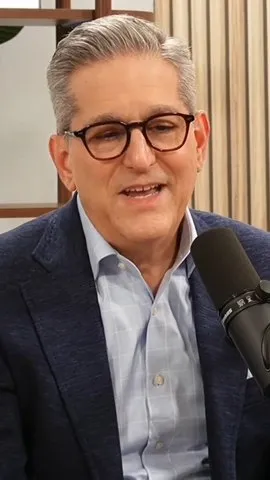
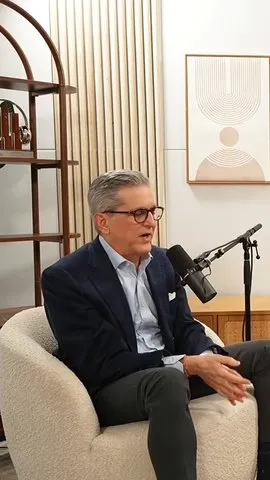
«$250 Billion Family Office Founder on Wealth Preservation, Taxes, and Building Wealth»How I Invest Podcast · CC BY 3.0
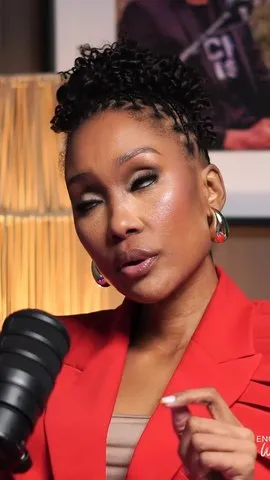
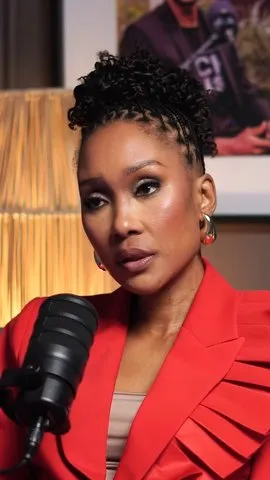
«Finding My Power And Healing From A Toxic Relationship - Zoe Mthiyane»Engineer Your Life · CC BY 3.0
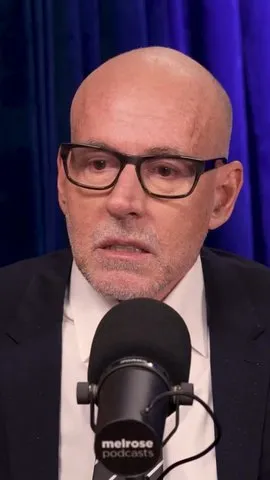
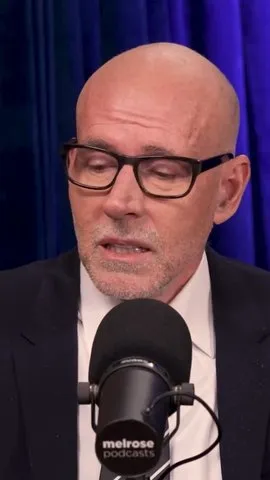
«Scott Galloway | Blocks Podcast w/ Neal Brennan»Neal Brennan · CC BY 3.0
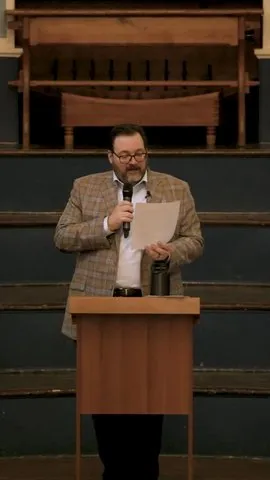
«Brandon Sanderson - "On Fantasy" | Tolkien Lecture 2026»Tolkien Lecture on Fantasy Literature · CC BY 3.0
«$250 Billion Family Office Founder on Wealth Preservation, Taxes, and Building Wealth»How I Invest Podcast · CC BY 3.0
«Finding My Power And Healing From A Toxic Relationship - Zoe Mthiyane»Engineer Your Life · CC BY 3.0
«Scott Galloway | Blocks Podcast w/ Neal Brennan»Neal Brennan · CC BY 3.0
iaclips cut and captioned these clips from Creative Commons videos, credited on each one.
Paste the campaign's YouTube link here. Before processing, you'll confirm you have the right to use the video. What works for clippers.
Video links (youtube.com/watch or youtu.be) and finished livestreams (youtube.com/live). Private, members-only and age-restricted videos can't be downloaded: upload the file instead.
Up to 4 hours per link, and at least 2 minutes. On the free plan, only popular videos can use your remaining free minutes, and the video or chosen part must fit that balance; with a longer one you can pick another part, for example 10:00 to 40:00. On Creator and Pro, as long as your hours left that month allow.
Yes, once it's over and YouTube shows the recording. A stream that's still live, or scheduled and not started, can't be processed yet.
Videos where people talk: podcasts, interviews, sermons, classes and talk streams. We pick moments from what is said, so gameplay without talk and music videos don't work well yet.
The free plan gives you 30 minutes on popular videos once at signup, with no credit card. Its clips carry a small iaclips.ai watermark, with none on a plan, or for 30 days after buying minutes while you still have bought minutes left (one hour bought once is $6). Creator and Pro add more hours a month.
We detect the video's language, or you pick it: English, Spanish, Portuguese, French, German, Italian, Chinese, Japanese or Korean. The captions, the title and the post text are in that language.
Only if you have the right to cut and publish it: a video from your own channel, or one whose owner gave you permission. Before we process a video, we ask you to confirm that.
On a computer with Chrome, the iaclips extension adds a button under the YouTube video. It opens the video in iaclips with the link filled in.
Free on popular videos (up to 30 minutes). New videos and uploads are paid.
$0/mo
30 minutes on popular videos once at signup
30 minutes
Use your remaining free minutes · a small iaclips.ai watermark
Start free$9/mo
billed yearly, or $12/mo month to month
150 minutes of video a month
≈ 2 episodes of 1 h
$3.60 per hour of video
Choose Creator$21.75/mo
billed yearly, or $29/mo month to month
6 hours of video a month
≈ 6 episodes of 1 h
$3.63 per hour of video
Choose Pro$79/mo
25 hours of auto-clipped streams a month
≈ 25 episodes of 1 h
First stream free
Choose the Streamer planPrices in US dollars, plus applicable tax.
Free: 30 minutes on popular videos once at signup, no credit card. No watermark with a plan, or for 30 days after buying minutes while you still have bought minutes left.