Turn long videos into clips ready to post
Podcasts, interviews, classes and talks: any video where people talk.
Examples
- Interview
«COMUNICACIÓN: Domina la habilidad que multiplica tus oportunidades | Paco Benítez»Dinstinto · CC BY 3.0
- Podcast
«$250 Billion Family Office Founder on Wealth Preservation, Taxes, and Building Wealth»How I Invest Podcast · CC BY 3.0
- Podcast
«Trendy: Vendía labiales por Instagram y hoy tiene 400 empleados.»Dinstinto · CC BY 3.0
- Talk
«Can a Liberal Polity Survive the Politics of Grievance? - Jefferson Memorial Lecture - Mark Blyth»UC Berkeley Events · CC BY 3.0
- Talk
«Conferencia. Hallazgos recientes en el Templo Mayor. Dr. Eduardo Matos Moctezuma»3museosNL · CC BY 3.0
- Interview
«Katherine Rundell on the Art of Words | Conversations with Tyler»Mercatus Center · CC BY 3.0
- Interview
«COMUNICACIÓN: Domina la habilidad que multiplica tus oportunidades | Paco Benítez»Dinstinto · CC BY 3.0
- Podcast
«$250 Billion Family Office Founder on Wealth Preservation, Taxes, and Building Wealth»How I Invest Podcast · CC BY 3.0
- Podcast
«Trendy: Vendía labiales por Instagram y hoy tiene 400 empleados.»Dinstinto · CC BY 3.0
- Talk
«Can a Liberal Polity Survive the Politics of Grievance? - Jefferson Memorial Lecture - Mark Blyth»UC Berkeley Events · CC BY 3.0
- Talk
«Conferencia. Hallazgos recientes en el Templo Mayor. Dr. Eduardo Matos Moctezuma»3museosNL · CC BY 3.0
- Interview
«Katherine Rundell on the Art of Words | Conversations with Tyler»Mercatus Center · CC BY 3.0

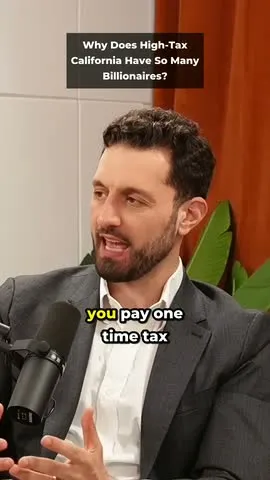
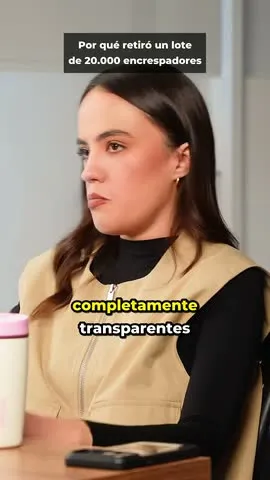
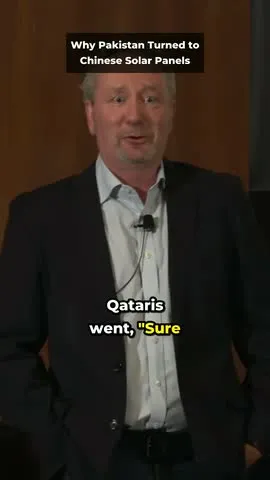
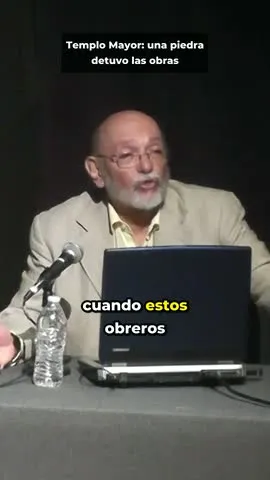
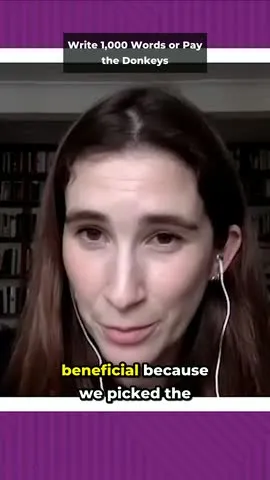
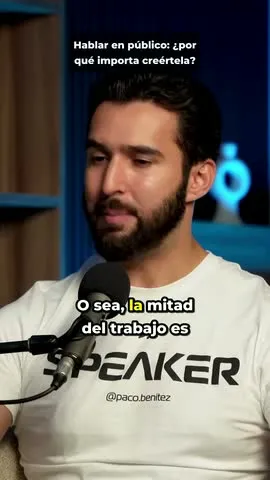
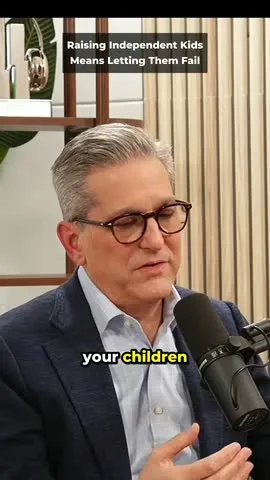

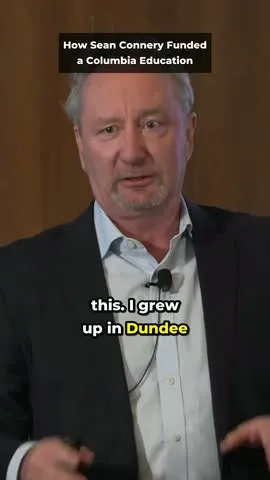
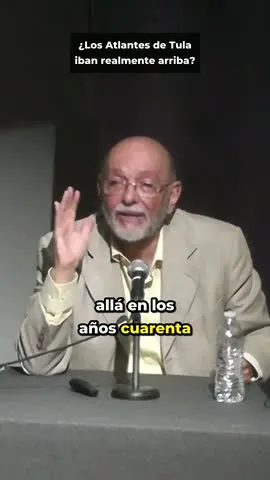
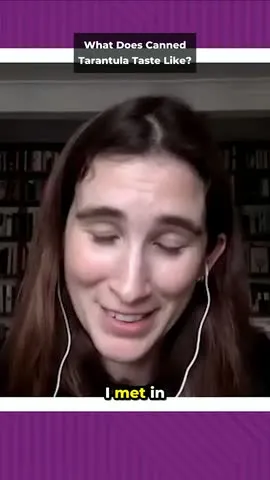
iaclips cut and captioned these clips from Creative Commons videos, credited on each one.
Why iaclips
No watermark, even on the free plan
Every clip you download is clean, on every plan. OpusClip's free plan exports with a watermark.
More video for the same price
For $29 a month, Pro gives you 12 hours of video. OpusClip Pro gives you 5 hours (300 credits, one per minute).
| iaclips | OpusClip | |
|---|---|---|
| Watermark on the free plan | No | Yes |
| Video a month for $29 | 12 hours | 5 hours |
| Price per hour of video, paying yearly | $1.83 | $2.90 |
How it works
- 01
Paste a link or upload your video
From YouTube or your computer, even if it runs well over an hour.
- 02
We pick the best moments
We cut them vertical, with captions and a title.
- 03
Download and post
Each clip comes with its post text and hashtags, ready to copy.
Everything you need to post
Animated captions
The word being said lights up, in the style you pick.
You always see who's talking
The vertical frame follows whoever is speaking.
A title and a post
Each clip comes with a title, a description and hashtags, in the video's language.
Edit the transcript
Tap a sentence to move where a clip starts or ends, or fix a caption.
No watermark
Not even on the free plan.
Download everything at once
All of an episode's clips in one click.
Pricing
Free
$0/mo
30 minutes of video a month
Start freeCreator
$12/mo
or $9/mo billed yearly
5 hours of video a month
Choose CreatorPro
$29/mo
or $22/mo billed yearly
12 hours of video a month
Choose Pro
Every plan: no watermark, captions, titles and post text, transcript editing, and downloading every clip at once. Pay yearly and save 25%.
Questions
What kind of videos work best?
Videos where people talk: podcasts, interviews, talks, classes and lectures.
Can I use a YouTube link?
Usually, yes: paste the link and we download the video, up to 4 hours long. Finished livestreams work too; one that's still live has to end first. Private, members-only and age-restricted videos can't be downloaded: upload the file instead. Only use videos you have the right to cut and publish.
Can I upload videos longer than an hour?
Yes. On Creator and Pro a video can be as long as the hours you have left that month (5 or 12); from a YouTube link, up to 4 hours. On the free plan each video can be up to 30 minutes: with a longer one, pick just the part you want, for example minutes 10 to 40.
Do free clips have a watermark?
No. Clips on the free plan download clean, the same as on Creator and Pro. The free plan gives you 30 minutes of video every 30 days, with no credit card.
Which languages does it work with?
We detect your video's language automatically, or you can pick it: Spanish, English, Portuguese, French, German, Italian, Chinese, Japanese or Korean. The captions, the title and the post text come out in the video's language.
What do you do with my videos?
We only use them to make your clips. Your edits (like moving where a clip starts) help us cut better. We never publish anything of yours without your permission.